
Description
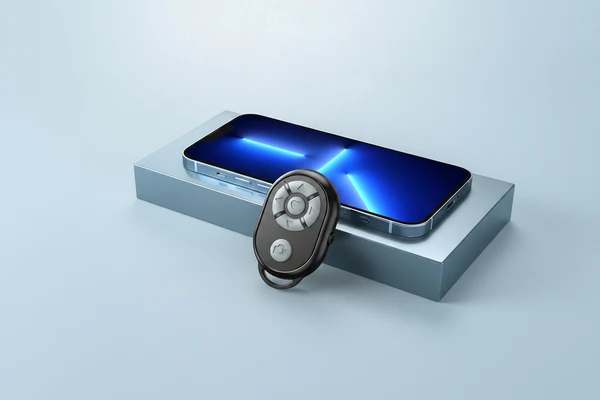
Your tiny hands-free helper for photos, videos, scrolling, and relaxing on the go. Lightweight enough for your purse, backpack, or carry-on, this Bluetooth remote makes travel moments easier to capture and enjoy.
Why you’ll love it:
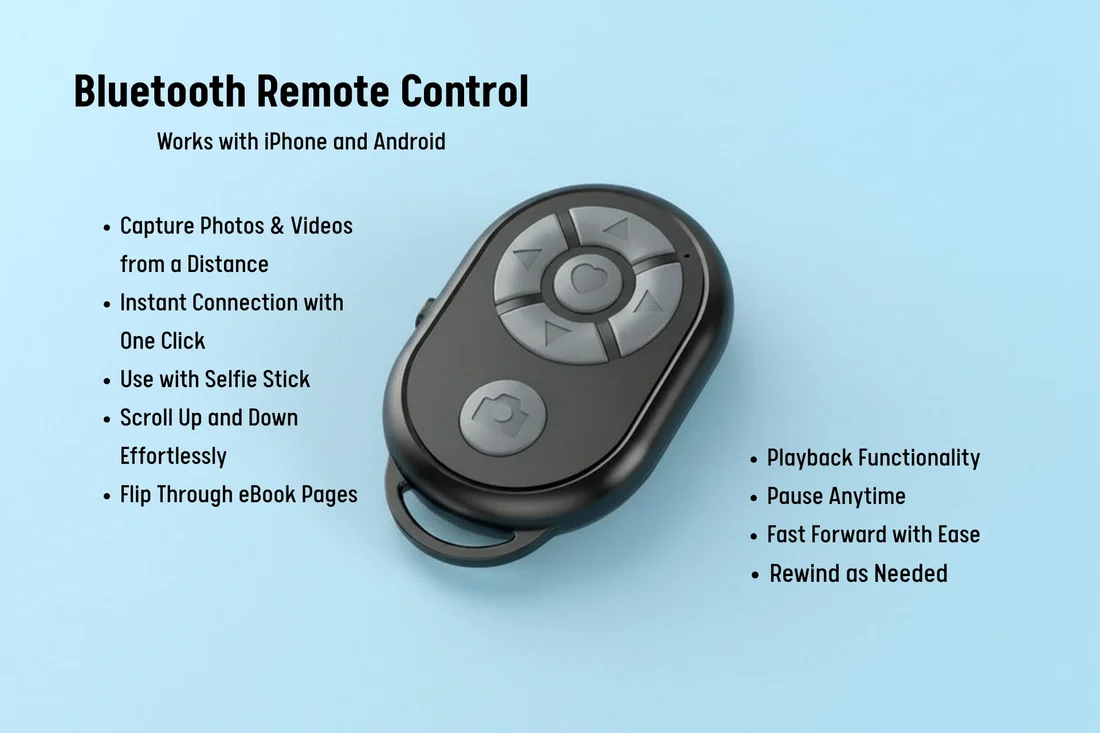
- Hands-free photos & videos — snap selfies, group shots, or travel clips without rushing back to your phone
- Easy scrolling & page turning — great for TikTok, eBooks, recipes, workouts, or cozy hotel-room browsing
- Bluetooth convenience — connects wirelessly to compatible iPhone, Xiaomi, Samsung, and Android devices
- Perfect for travel days — use it on planes, in hotels, at cafés, or while sightseeing
- Compact & lightweight — small enough to keep in your bag so it’s always there when you need it
- Simple to use — no cords, no fuss, just connect and click
A small gadget that makes your phone feel a little more hands-free, travel-friendly, and fun.
Instructions for use:
- Turn on the side switch of the remote control, the indicator light of the remote control will start flashing
- Turn on the Bluetooth function of the mobile phone
- Search and match the remote control name BLE-M3
- The connection is successful. The light stops flashing
Notice:
- If some iPhone cannot be controlled, you need to turn on the auxiliary functions (Settings – Accessibility – Touch – Assistive Touch – On), and the IOS15 system needs to turn on (Execute Touch Gestures) in (Auxiliary Control) to set (Tracking Sensitivity) Adjust to more than half of the position.
- Due to the different screen sizes of mobile phones, individual mobile phones need to set the focus touch point when taking pictures (long press the camera button and do not release it, and adjust the touch point by the up, down, left and right keys).
- If it cannot be connected, or it cannot be used normally after connecting, delete the connection first, turn off the power and restart the remote control, and then re-match, that’s it.


Reviews
There are no reviews yet.